Registration Process 📝
Create Your Account in 3 Steps
Getting started with Cero Trade is simple and fast. The registration process is designed to get you up and running quickly while ensuring security and compliance.
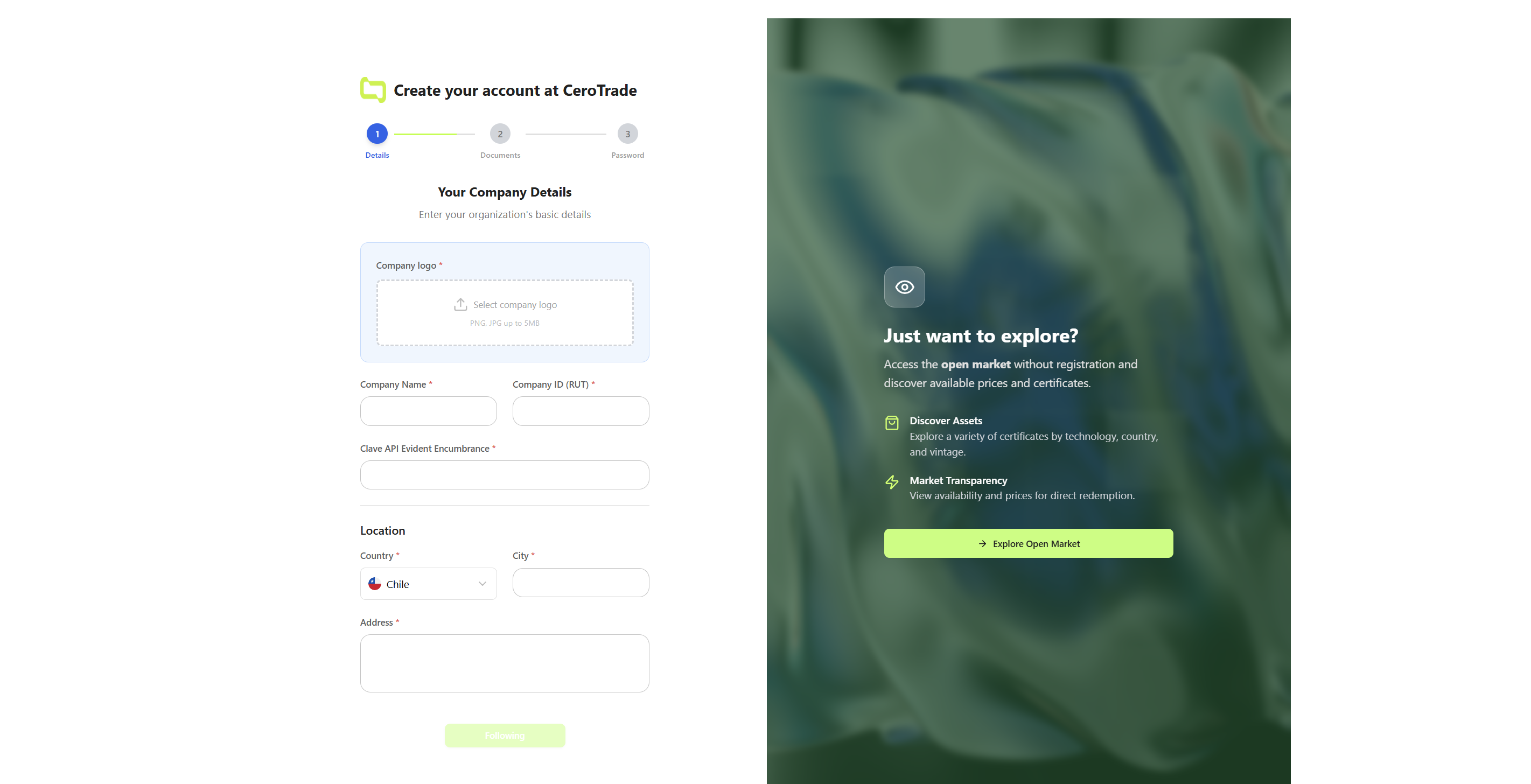 Step 1: Basic information and profile selection
Step 1: Basic Information 📋
What You'll Need:
- 📧 Business email address
- 🏢 Company name and information
- 👤 Contact person details
- 🎯 User profile selection (Corporation, Consultant, Trader, Organization)
Profile Selection:
Choose the profile that best describes your use case:
- 🏢 Corporation: Internal sustainability compliance
- 🤝 Consultant: Services for clients
- 💱 Trader: Commercial certificate trading
- 📢 Organization: Communication and impact
Step 2: Company Verification 🔍
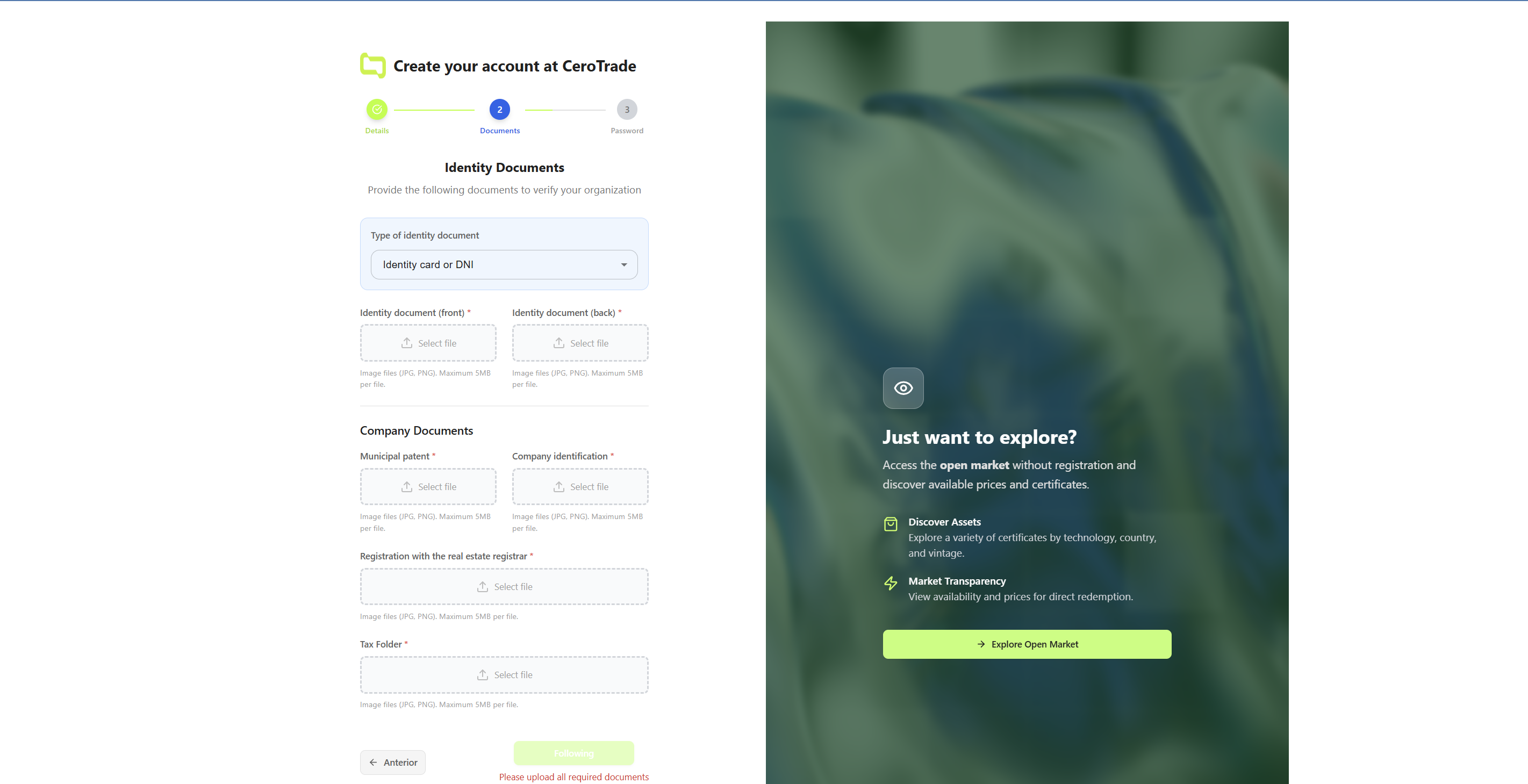 Step 2: Company verification and KYB process
KYB (Know Your Business) Process:
- 📄 Company registration documents
- 🆔 Business identification numbers
- 🏛️ Legal representative information
- 📍 Business address verification
Verification Timeline:
- ⚡ Automated checks: Immediate for most companies
- 👥 Manual review: 24-48 hours for complex cases
- 📧 Status updates: Email notifications throughout the process
Step 3: Account Setup ⚙️
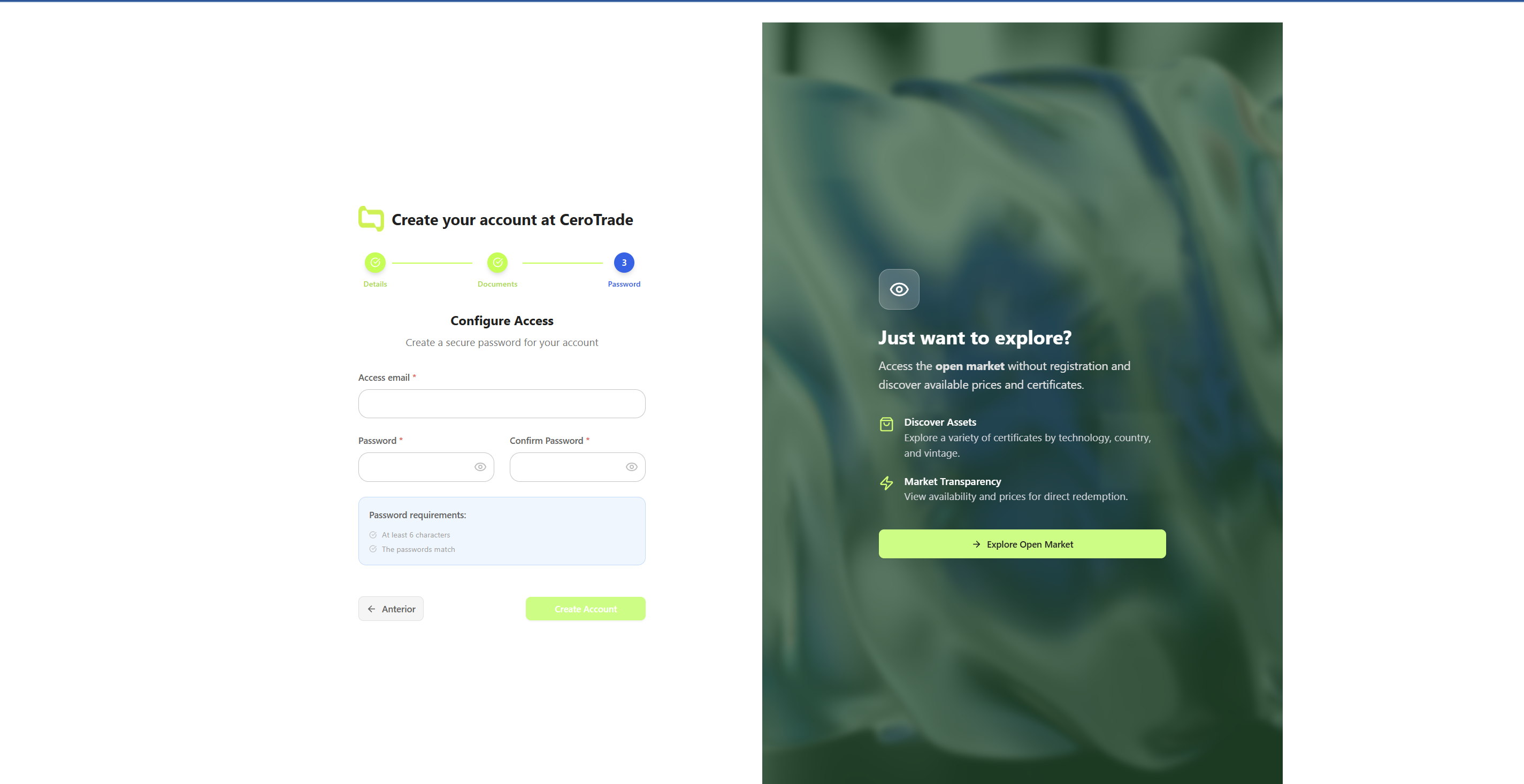 Step 3: Final account setup and welcome
Final Configuration:
- 🔐 Password setup with security requirements
- 📱 Two-factor authentication (recommended)
- 🔔 Notification preferences (email, WhatsApp, push)
- 🌍 Regional settings and language
Welcome Package:
- 📚 Onboarding materials specific to your profile
- 🎯 Quick start guide with next steps
- 📞 Support contact information
What Happens Next? 🚀
Immediate Access:
- 📊 Dashboard with your profile view
- 🛒 Marketplace browsing (full access after verification)
- 📖 Documentation and learning resources
- 💬 Support chat for questions
After Verification:
- 💱 Full trading capabilities
- 📦 Portfolio management tools
- 🔗 Evident Registry for I-REC(E) integration setup
- ⚡ All redemption features
Already Have Certificates in Evident Registry for I-REC(E)? 🔄
If you already manage certificates in Evident Registry for I-REC(E), you can easily import them to Cero Trade through our official integration:
✅ Simple and Secure Process:
- Officially approved integration by Evident (Evident Registry for I-REC(E))
- Special Encumbrance accounts for maximum security
- Complete control - you always maintain legal ownership
- Automatic import of your existing certificates
👉 See Complete Evident Registry for I-REC(E) Integration Guide →
Ready to register?